Have you ever seen visuals in someone’s video and wondered how they managed to achieve them? Think things like slick transitions or eye-catching explosions. These visual touches are known as Visual Effects (VFX) and can be an effective way to make content pop off the screen.
VFX look impressive and you might assume they’re complex too, but they’re surprisingly simple to drop into your content. And because they're easy to use, more creators than ever are turning to VFX animations to stand out in busy feeds. All you need are the right assets and a bit of creative flair to give your edits a professional polish.
In this guide, we’ll break down what exactly VFX animations are and how you can use them to make your videos stand out. Plus we’ll show you how to combine VFX with music and sound effects for even more impact.
- What are VFX for content creators?
- How creators use VFX animations in their edits
- 6 pro tips for using VFX animations in your videos

What does VFX mean? And why do creators use them?
VFX (short for “visual effects”) is the art of adding elements to your video that you can’t realistically capture with your camera – think anything from an over-the-top fireworks display to spell-binding cartoon elements. It involves using post-production magic and creating visuals that elevate your story, smooth out your edits, or inject extra wow factor into your videos.
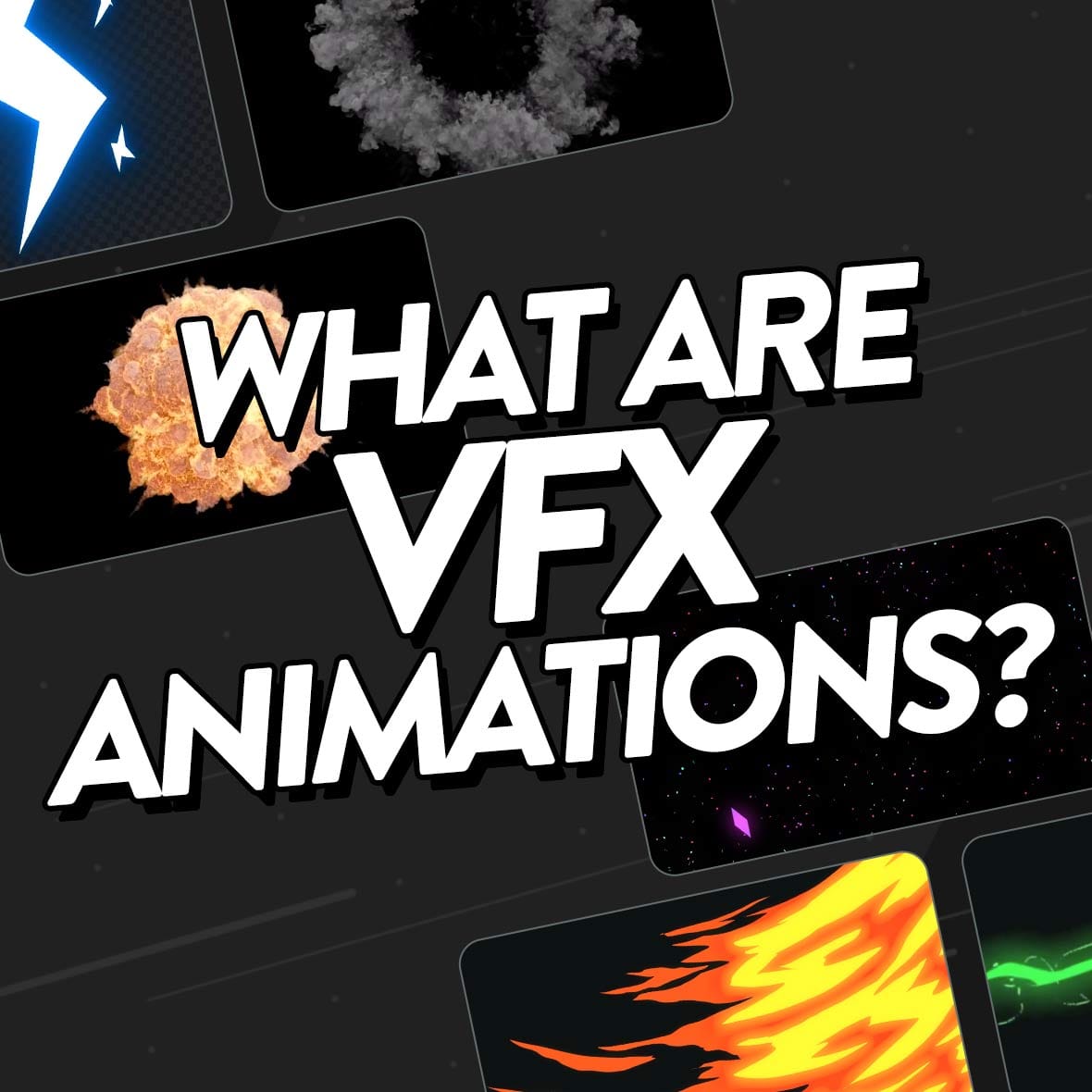
VFX animations come in all shapes and sizes, from graphics that aim to replicate real-life visuals right through to more abstract effects. To give you an idea of the sheer variety of animation to choose from, here are some of the most popular:
- Anime transitions
- Explosion graphics
- Cartoon lines
- Rain effects
- Futuristic graphic overlays
- Electricity effects
- Digital grid patterns
- Phone camera recording overlays
Creating VFX from scratch can be complicated, which is why lots of creators turn to VFX animations instead. You simply download the VFX animations you want and drop them into your edit, which makes it surprisingly easy to add high-quality effects to your projects.
VFX Animations
Elevate your edits with Uppbeat's easy-to-use motion graphics 👋
It’s this combination of easy access and creative possibilities that make VFX animations such a popular choice among creators. They’re a simple addition with the power to shape your videos in ways that go far beyond what’s possible with raw footage alone:
Enhance storytelling and emotional impact 📖
VFX can add layers of meaning that raw footage alone can’t capture. From adding a subtle rain overlay to heighten a reflective moment, to building a magical glow around a key reveal, these effects help audiences connect emotionally with the scene and remember it long after watching. Like when Dave Ardito ramps up the intensity of him opening a jar of pickles with over the top wind effects.
Elevate production quality 🎥
The smart addition of VFX animations will help your footage seem more polished to your viewers. Even small touches like refined title animations or a cinematic colour wash can make a video feel like a professional production. This higher perceived quality can increase audience trust and make them more likely to subscribe or share your content. Zach King brings Hollywood levels of production to his Short with a well-placed explosion animation.
Build a strong and recognisable brand identity 💅
Consistently using the same animation style, colour palette, or motion design creates a signature look that viewers associate with you. Think of a gaming channel that always uses glitch-style effects in their edits, or a travel vlogger who pairs sweeping drone shots with soft lens flares – both become instantly recognisable in busy feeds.
Set the mood and atmosphere ☀️
VFX allow creators to craft the exact tone they want, whether that’s an upbeat, high-energy montage with light streaks and eye-catching graphics, or a warm, nostalgic sequence with soft grain and golden light flares. This control over the visual feel helps reinforce the story and keep viewers immersed.
Unlock creative possibilities beyond the camera 💥
Some ideas simply can’t be filmed as they are. VFX animations let you bring these concepts to life, whether that’s adding fantastical elements to a lifestyle vlog, simulating a futuristic interface for a tech review, or reimagining a simple location with layered visual effects. Like how karenxcheng features animated elephants and rainbows in her dreamscape video, allowing her to bring to life concepts she could never have captured with a camera.

Different ways to use VFX animations to elevate your edits
Choosing the right VFX animation can transform the way your audience experiences your content. But with almost limitless creative possibilities, knowing where to start might feel daunting. To help you out, here are some of the tried and tested ways creators use VFX in their edits:
👋 Build a strong intro and outro – Instantly set your brand’s tone and help make your channel memorable with the simple addition of animated logo reveals, kinetic text, or end-screen calls-to-action.
🪝Hook viewers fast – Grab attention before viewers scroll away with dynamic text pops, quick cartoon graphics, or animated icons – animations that'll liven up the opening seconds of your uploads.
❗️Emphasise key moments – Draw your audience’s eye exactly where you want it during a scene with the clever use of animated arrows, text callouts, or even an explosion of confetti.
🎭 Add atmosphere and mood – You can dramatically shift how your footage makes viewers feel. Subtle overlays like light flares, dust particles, a rainfall overlay, or fog can give your footage emotional depth and cinematic style.
🧵 Smooth your transitions – Steer clear of jarring scene changes by adding slick animations. Whip pans, glitch jumps, morph effects, or light flares make your edits feel seamless and keep pacing engaging.
📈 Visualise ideas clearly – Often viewers prefer to take in heavy information in a visual way. Infographic animations, moving diagrams, or simple arrow graphics help explain concepts in a way that’s easy to follow.
🫶 Spotlight fan responses – It’s always great to share interactions with your audience! Animated pop-ups for quotes, testimonials, or user comments help you connect with viewers and build a community.
👾 Add interactive or playful elements – Take a cue from gameshows and entertainment programs with colorful graphics! Score counters, falling dollar bills, or game-style overlays make videos more fun and keep viewers engaged.
🎇 Transform a scene – The right animation can completely alter how viewers perceive your footage. Camera shakes, particle bursts, or warp effects add energy, drama, or a wow factor that keeps your edit memorable.
VFX Animations
Elevate your edits with Uppbeat's easy-to-use motion graphics 👋

6 tips for using VFX animations like a pro
If you want your VFX animations to elevate rather than overwhelm your videos, the secret is using them with purpose. Here’s how to get it right:
- Keep effects intentional – Every animation should have a reason to be there. Whether it’s guiding the viewer’s eye, highlighting a key moment, or setting the tone, a clear purpose stops your edit from feeling cluttered and keeps the focus where you want it. VFX artist Daphne Le uses bold anime graphics to brighten up her vibrant candy ad, matching the vibe of the product she’s selling.
- Match animations to your pacing, tone, and style – A fast-cut montage might call for quick, energetic transitions. On the other hand, a slow, heartfelt scene works better with subtle fades or gentle overlays. Duncan Evans uses fire VFX as the burning building punchline in his comedy skit, leading on naturally from the rest of the clip. Aligning the style of your effects with the mood of your video makes the whole edit feel cohesive.
- Sync VFX to your soundtrack’s beat – Hitting an animation right on a beat drop or rhythmic change creates a satisfying, polished feel. Viewers might not consciously notice, but it’s one of those details that makes your content feel tighter and more professional.
- Layer in sound effects to make visuals pop – A light whoosh under a title animation or a soft pop for on-screen text makes effects feel tactile and engaging. Artist Emonee LaRussa makes her graphics pop with complementary sounds, creating a fully immersive video. The combination of sight and sound creates a richer, more immersive viewing experience.
- Less can be more – A single well-placed animation often has more impact than a flood of effects. By leaving breathing room in your edit, each VFX moment feels intentional and memorable. For example, the simple addition of a phone camera screen makes it clear that Sam Lewis’s dinosaur video is from the perspective of someone filming it on their phone, adding to the narrative.
- Build a signature style – Consistently using certain colours, motion styles, or animation techniques can become part of your creative fingerprint. Over time, this makes your videos instantly recognisable in a crowded feed, helping you strengthen your brand and keep viewers coming back. Zach King might create his own animations, but he’s the master of featuring VFX in his videos to create a trademark visual style.

Bring your footage to life with VFX animations
VFX animations aren’t just visual extras – they’re tools that help you tell stronger stories, hold attention, and make your videos feel unmistakably yours. By matching the right effects with your pacing, style, and soundtrack, you can turn even simple clips into eye-catching edits that make people want to watch more.
Ready to find the ideal VFX animations? Check out Uppbeat’s library of motion graphics for animations you can easily drop into your edits. Then pair your visuals with sound effects and music from Uppbeat’s library to create professional-quality videos without the copyright headaches.